Inside
The works
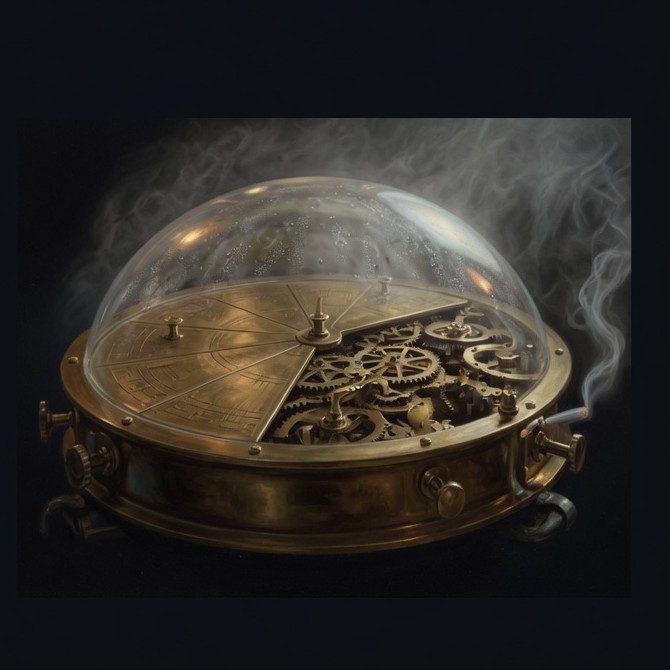
FogPie was not invented in a boardroom and lowered into a factory. It was born among other machines, on a bench that already knew tide clocks and sulking compasses. The Hale cousins at Copper Wharf built it from chronometer scrap, a pressure bellows, and a glass dome meant to keep river spray off the gears. The first fog that stayed inside that dome was an accident of a flood night. Everything since has been practice.
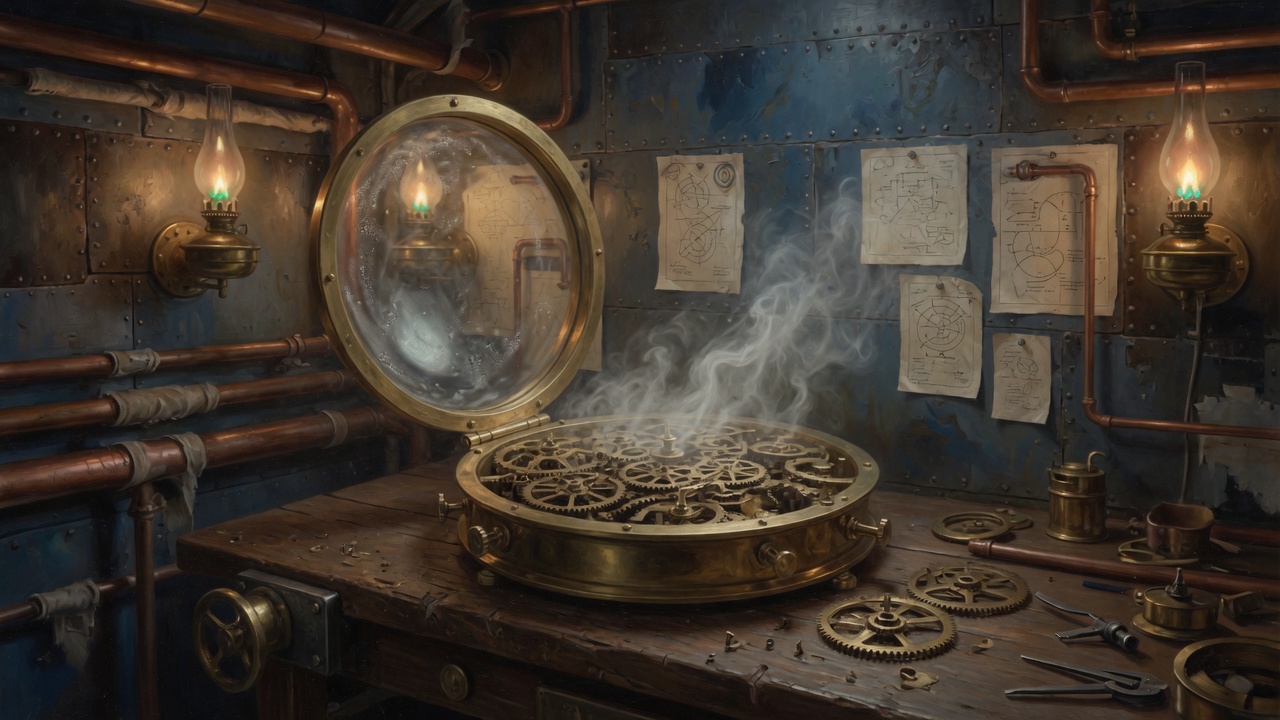
The shop still has two kinds of room. The front room takes problems from people and from companies, on the same terms. The quiet room, behind a door that pretends to be a cupboard, is where FogPie builds. No sponsor keeps a chair there. Mechanisms that are not ready, including the ones that fail, stay in that room until they can leave without shifting blame onto a person who trusted the instrument.
When the public name was joined to a host, the works moved house without moving character. Mother is the machine that answers. The containers are the new boilers. The theme files are the engraved cards. The quiet room remains a discipline, not a hostname.
Workshop notes
FogPie runs as its own Compose project at /opt/fogpie on Mother, the Ubuntu host at 192.168.0.30. It does not share a database or a WordPress tree with Kanati Ranch.
Containers
fogpie-dbis MySQL 8. It listens only on the project network.fogpie-wpis the official WordPress image, PHP 8.3 and Apache. The host publishes port 8083.
What is on the host, not in a volume
The theme directory is bind-mounted to wp-content/themes/fogpie. Editing a template or a stylesheet on Mother changes the site on the next request. Database files and the WordPress core live in Docker volumes.
Database credentials stay in /opt/fogpie/.env. The public address logic is in config/wp-config-extra.php, mounted outside the web root and loaded from wp-config.php.
How a request is named
A browser that asks for fogpie.com is treated as the public site: home and site URL are https://fogpie.com, and the admin is forced onto HTTPS. www.fogpie.com redirects to the apex. A browser that asks by the LAN address, http://192.168.0.30:8083, stays on that host so the site can be worked on from the ranch without the public name.
Cloudflare Tunnel talks to the container over plain HTTP and marks the visitor scheme. The extra config trusts X-Forwarded-Proto and CF-Visitor before WordPress decides it is HTTPS.
Sign-in is at /wp-login.php on whichever host you are using. The chronicle of the instrument is on The Story.